The Cloud Is Holding Your Keys: The Passkey Paradox and Its Single Points of Failure

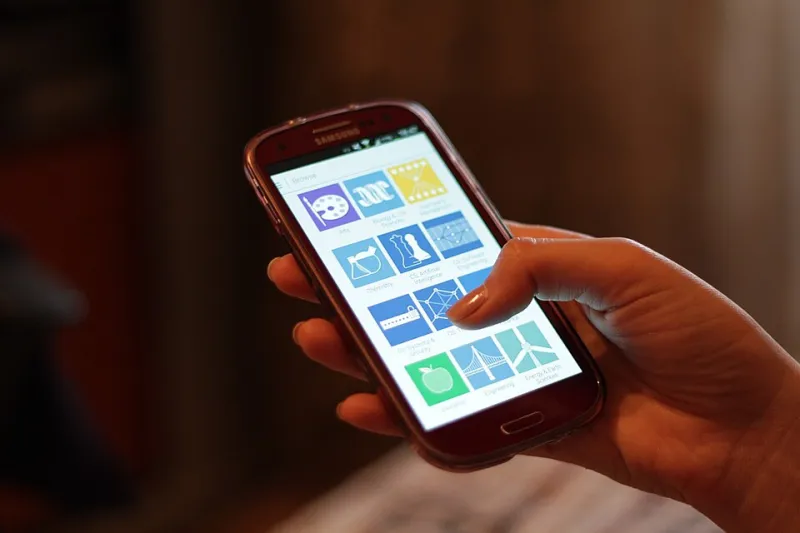
Photo: passkey authentication smartphone fingerprint security close-up, via ichef.bbci.co.uk
Passkeys have moved from conference demo to default setting. In 2026, major consumer platforms, banks, and enterprise identity providers are nudging users toward a passwordless model in which a fingerprint, face scan, or device PIN unlocks a cryptographic credential instead of a typed secret. The pitch is compelling: no reusable password to phish, no shared secret to leak in a database breach, no SMS code to intercept. For a public that has spent two decades being told that passwords are broken, the promise is welcome.
But a security control is only as strong as its recovery path. And for many passkey deployments, the recovery path runs through a cloud account, a phone number, or a device ecosystem controlled by a single company. That is the passkey paradox: the technology can make authentication more resistant to phishing while simultaneously making account access more dependent on the very platforms users are trying to secure themselves against.
What a Passkey Actually Is
A passkey is built on public-key cryptography. When you create one, your device generates a key pair. The private key stays on the device or in a synced keychain; the public key is stored by the website or service. To sign in, the service sends a challenge, and your device signs it with the private key after verifying your local unlock method. The private key never travels to the server, so a server breach does not expose a credential that can be replayed elsewhere.
This is a meaningful improvement over passwords. It also explains why passkeys are often described as phishing-resistant. A fake login page may capture a password, but it cannot easily obtain a signature for the legitimate site's domain. The credential is bound to the origin, and the browser or platform enforces that binding.
The Phishing-Proof Claim, Qualified
Phishing resistance is not the same as invulnerability. Passkeys reduce the value of fake login pages, but they do not eliminate social engineering. An attacker can still try to trick a user into approving a login prompt, sharing a recovery code, or authorizing a device enrollment. The weak point shifts from the password field to the recovery workflow and the human decision points around it.
There is also the question of device-bound versus synced passkeys. A device-bound passkey lives on one authenticator, such as a hardware security key or a single phone. It is resilient in one sense: losing the device means losing the credential unless a backup exists. A synced passkey is replicated across a user's devices through a platform keychain, which improves convenience and reduces lockout risk but moves the credential into a cloud service. That cloud service becomes a high-value target and a single point of failure.
Recovery Is the New Attack Surface
Most account compromises do not begin with a broken cipher. They begin with a support desk, a reset link, or a phone number that can be reassigned. Passkeys do not automatically fix that. If an account can be recovered by email, SMS, or a customer-service agent, then the attacker can target the recovery channel instead of the passkey itself.
This matters most for high-value accounts: primary email, banking, payroll, cloud storage, and identity providers that control other logins. A passkey on the front door is of limited value if the back door still opens with a one-time code sent to a number that can be ported. Users should ask a simple question before migrating: what happens if I lose every device? The answer reveals where the real risk sits.
Sync, Lock-In, and the Cloud Keyring
Synced passkeys are convenient because they follow the user across phones, tablets, and laptops. But convenience often means ecosystem lock-in. A passkey synced through one platform's keychain may not be portable to another platform without a migration process, and the recovery options may be tied to the same account that controls email, payments, and app purchases.
For consumers, the practical concern is concentration. If one cloud account holds the keys to email, banking, social media, and work tools, then compromising that account is not a minor incident. For enterprises, the concern is visibility. Security teams may not know which employees have synced passkeys to personal cloud accounts, which recovery methods remain enabled, or which legacy protocols still bypass the passwordless policy.
What Users Should Do
A few principles can reduce the passkey paradox without abandoning the technology. First, treat the primary email account as the root of trust and protect it with the strongest available method, including a hardware security key if the service supports one. Second, keep more than one authenticator where possible: a synced passkey plus a hardware key, or two hardware keys stored separately. Third, review recovery settings and remove SMS-based recovery from critical accounts if a stronger option exists. Fourth, store recovery codes offline rather than in the same cloud account the passkey depends on.
Organizations should go further. They should inventory passkey deployments, test recovery scenarios, require phishing-resistant authentication for administrators, and monitor for legacy fallback methods that quietly remain enabled. A passwordless rollout that leaves a help-desk reset path wide open is not a security transformation; it is a relocation of risk.
The Bottom Line
Passkeys are a genuine advance. They raise the cost of phishing and remove an entire class of credential-theft attacks. But they are not a magic switch. The security of a passkey depends on the recovery flow behind it, the cloud account that syncs it, and the ecosystem that controls it. The right question is not whether passkeys are better than passwords. It is whether the recovery and syncing model around a passkey is better than the password-reset process it replaces. For many users, the answer will be yes, but only if they understand where the new single points of failure live.